

Whether you’re learning Python, building web applications, developing Android apps, working with Docker containers, or training AI models, choosing the best coding laptop in 2026 is one of the smartest investments you can make.
Programming workloads have changed dramatically over the last few years. Modern developers rarely run a single code editor. Today, it’s common to have:
- VS Code or IntelliJ open
- Multiple Chrome tabs
- Docker containers
- Local databases
- Git
- Android Studio
- Virtual Machines
- AI coding assistants
- Video meetings
Running all these simultaneously requires much more than a basic laptop.
This guide explains exactly what specifications developers should buy in 2026 and recommends the best laptops across different budgets.
What Makes a Good Coding Laptop?
Unlike gaming laptops, developers need a balance between the following:
- Fast processor
- Plenty of RAM
- Fast SSD
- Comfortable keyboard
- Long battery life
- Good cooling
- Quality display
A laptop doesn’t need RGB lights or an expensive graphics card unless your work involves machine learning, game development, or GPU computing.
Minimum Specifications for Coding in 2026
| ⚙️ Component | ✅ Recommended Specification |
|---|---|
| 🧠 Processor | Intel Core Ultra 5/7 • Ryzen 7 • Apple M4/M5 |
| 💾 RAM | 16GB minimum (32GB ideal) |
| 🚀 Storage | 512GB SSD or larger |
| 🎮 Graphics | Integrated GPU is sufficient |
| 🖥️ Display | Full HD IPS (1440p preferred) |
| 🔋 Battery | 8+ hours |
| ⌨️ Keyboard | Backlit keyboard |
| 🔌 Ports | USB-C • USB-A • HDMI |
Processor: The Most Important Component
The processor determines:
- Compile speed
- Emulator performance
- Virtual machine speed
- Docker containers
- IDE responsiveness
- Multitasking capability
Choose one of these CPUs:
Intel
- Core Ultra 5
- Core Ultra 7
- Core i5 H-series
- Core i7 H-series

AMD
- Ryzen 7 HS
- Ryzen 7 H
- Ryzen AI series
Apple
- M4
- M5
- M5 Pro

Avoid low-power processors if your work involves Android Studio, Docker, virtualization, or data science.
Why RAM Matters More Than Ever
Modern development tools consume a surprising amount of memory.
Typical RAM usage:
- Chrome (20 tabs): 3–5GB
- VS Code: 1–2GB
- Docker: 4–8GB
- Android Emulator: 3GB+
- Database: 2GB+
This means 8GB RAM quickly becomes insufficient.
Recommendation
✅ Minimum: 16GB
✅ Best: 32GB
If your laptop has upgradeable RAM, you can start with 16GB and upgrade later.
SSD Storage Recommendations
Programming projects continue growing in size.
Recommended storage:
- 512GB SSD (minimum)
- 1TB SSD (ideal)
Never purchase an HDD for programming.
SSDs dramatically reduce:
- Boot time
- Build time
- Project loading
- Application startup
Do Developers Need a Dedicated Graphics Card?
For most programmers:
No.
Integrated graphics are perfectly adequate.
You only need a dedicated GPU if you work with the following:
- Machine Learning
- Deep Learning
- Unreal Engine
- Unity
- Blender
- CUDA programming
- Large AI models
- 3D development
Otherwise, spend your budget on CPU and RAM instead.
Best Coding Laptop 2026 Under ₹60,000
ASUS Vivobook 15
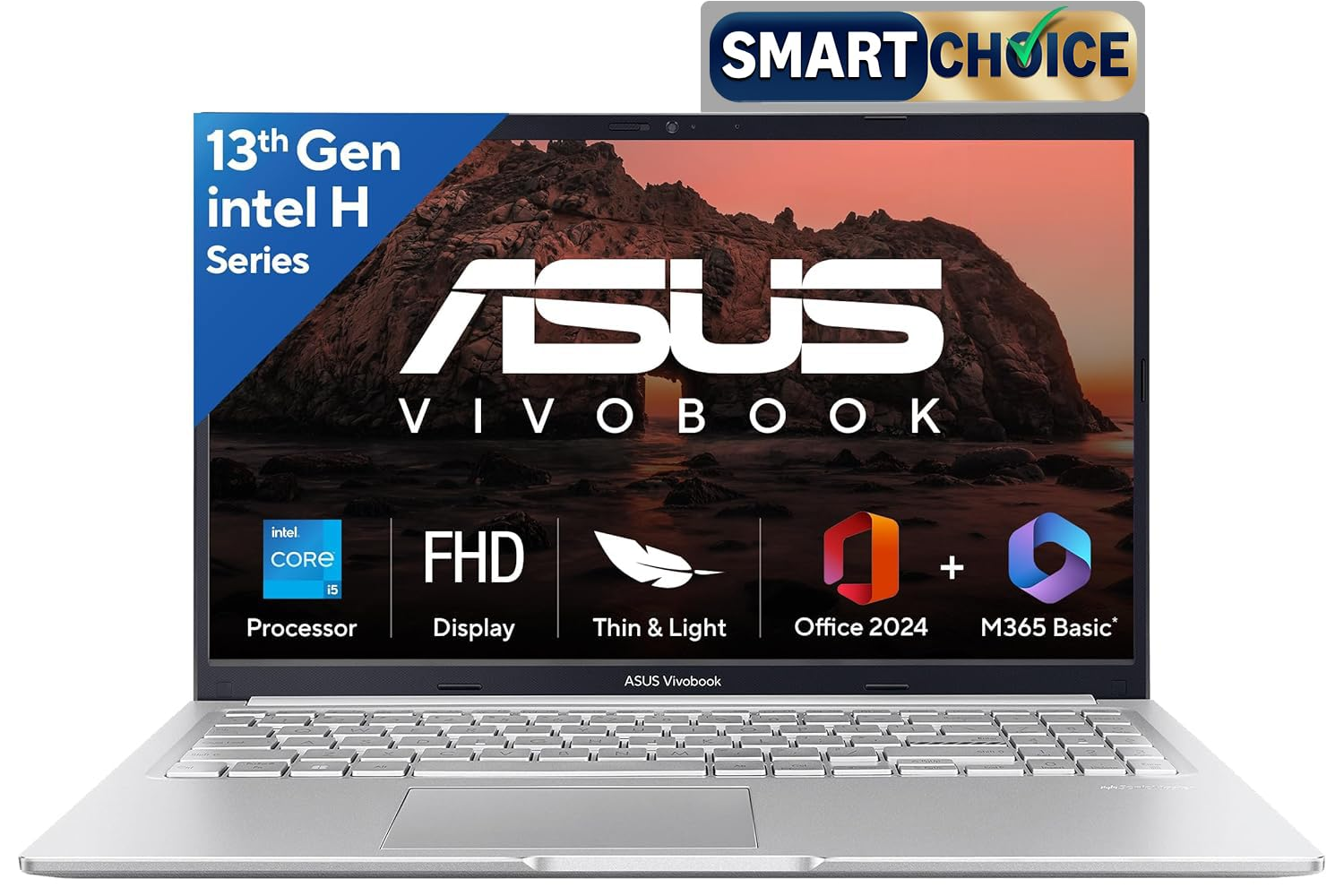
Best Budget Programming Laptop
Specifications
- Intel Core i5 H-Series
- 16GB RAM
- 512GB SSD
- 15.6-inch FHD Display
Pros
- Excellent value
- Fast SSD
- Comfortable keyboard
- Good battery
Cons
- Plastic chassis
- Average speakers
Perfect for:
- Python
- Java
- C++
- Web Development
- College students
Lenovo IdeaPad Slim 3
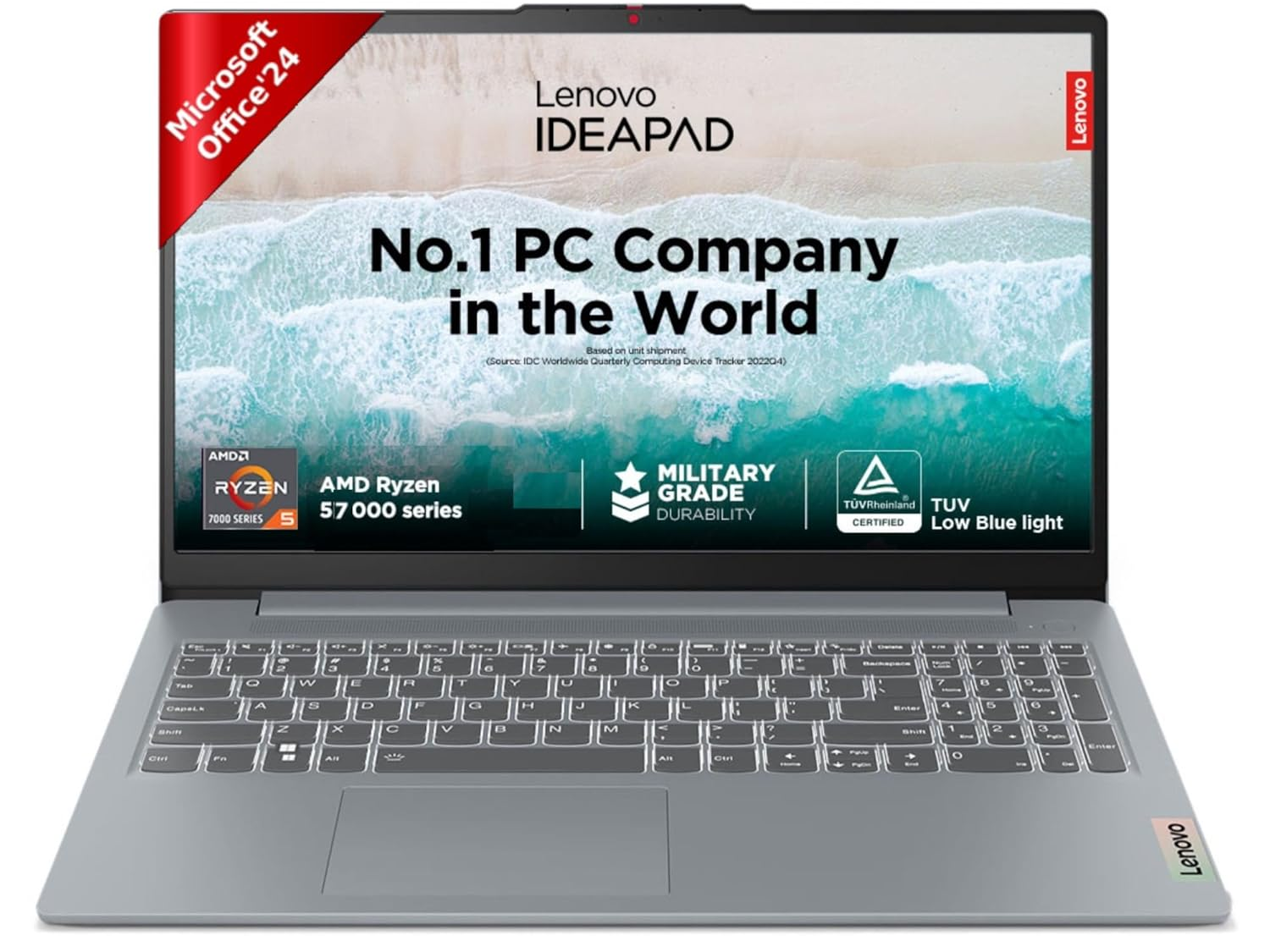
Ideal for students learning programming.
Suitable for:
- VS Code
- Eclipse
- IntelliJ
- SQL
- Git
- Linux
Best Coding Laptop 2026 Under ₹80,000
ASUS Vivobook 16
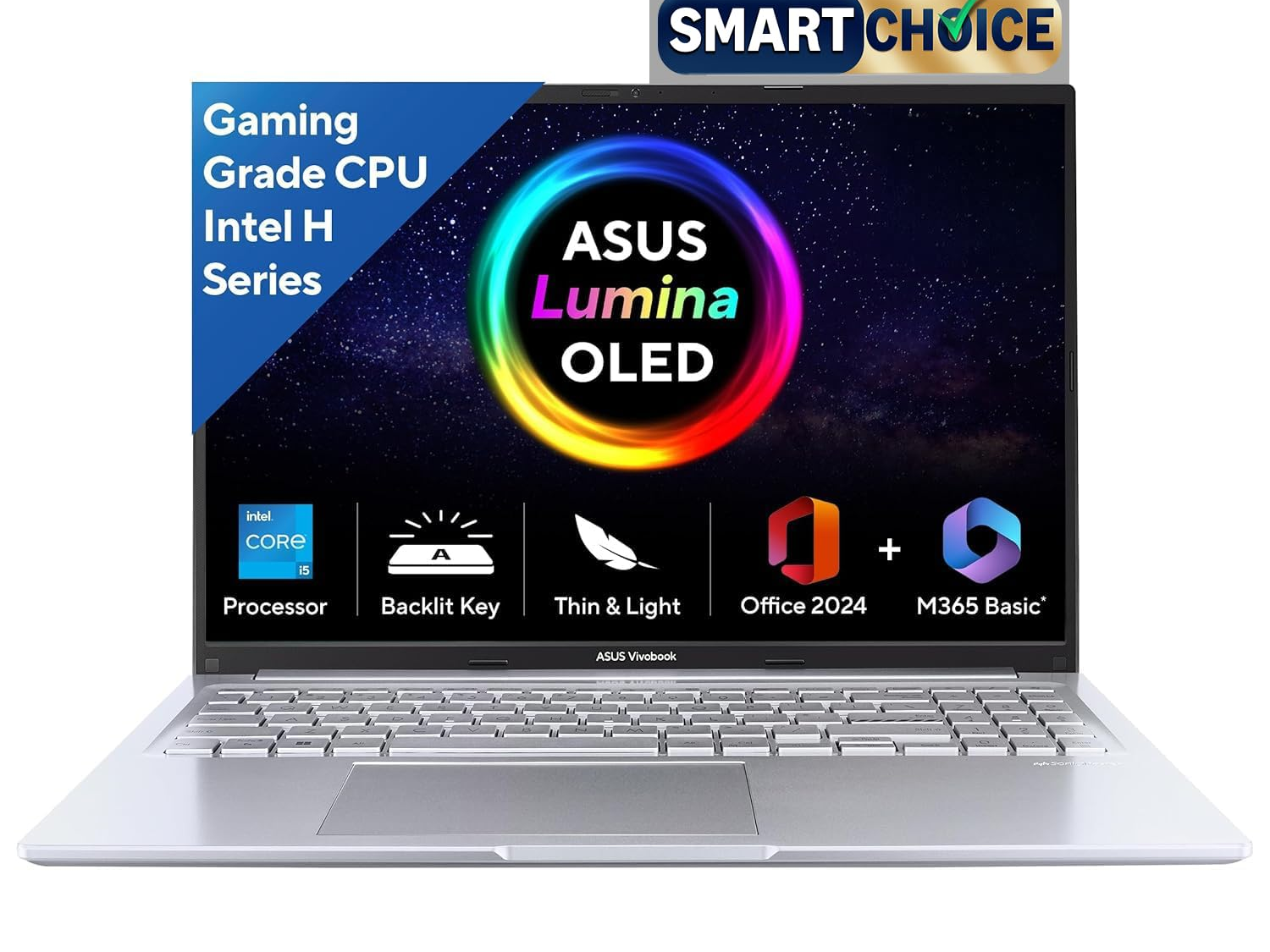
One of the best value coding laptops in 2026.
Key Features
- Intel Core Ultra 5
- Intel AI NPU
- 16GB RAM
- 512GB SSD
- Large 16-inch display
Why Buy
The latest Intel Core Ultra processors provide:
- Better battery life
- Faster compilation
- AI acceleration
- Improved integrated graphics
Ideal for developers planning to keep a laptop for 4–5 years.
HP 15 (Core Ultra)
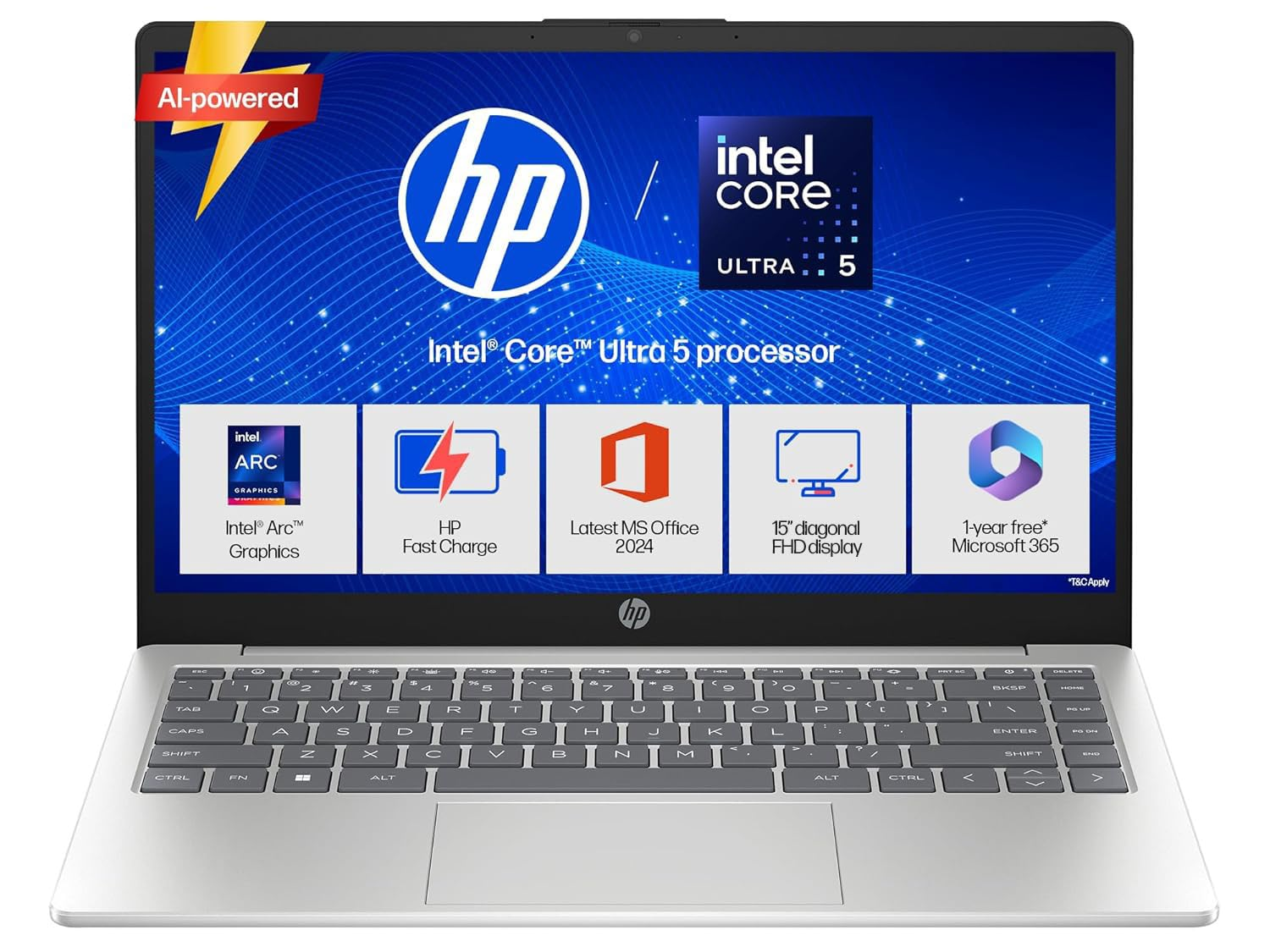
Perfect for:
- Programming
- Financial analysis
- SQL
- Power BI
- Excel automation
- Casual gaming
Best Coding Laptop 2026 Under ₹100,000
Lenovo IdeaPad Slim 5
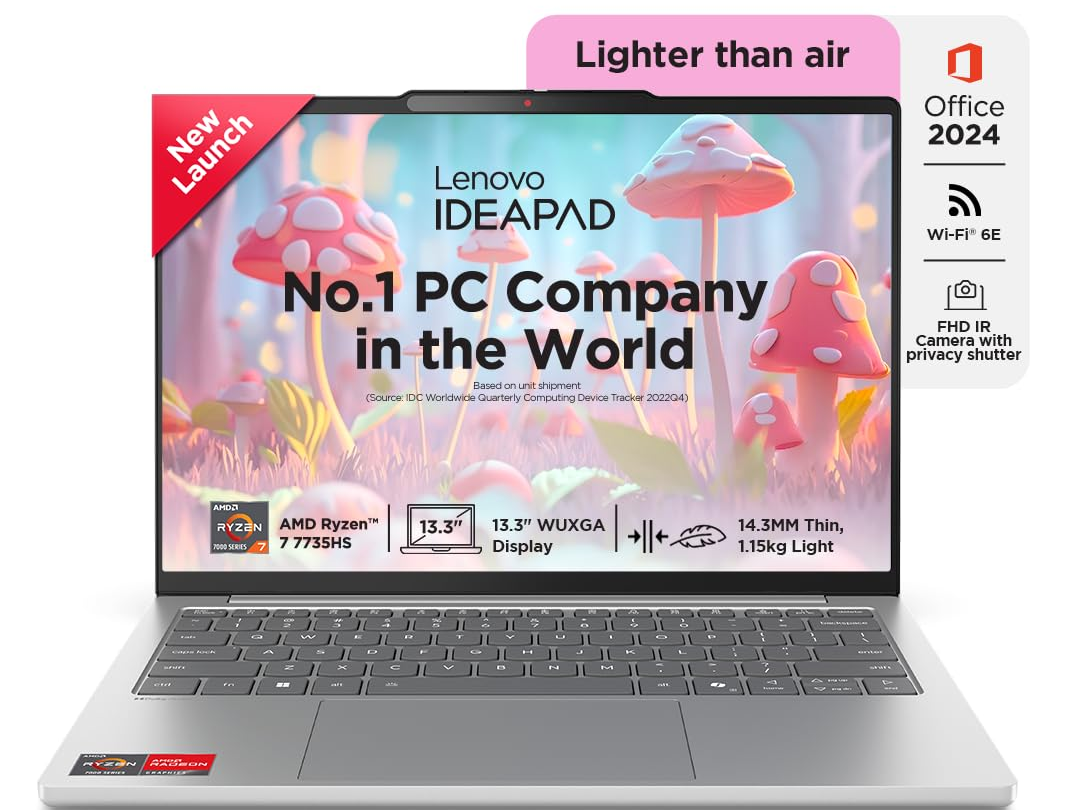
A fantastic laptop for professionals.
Specifications
- Intel Core i7
- 16GB RAM
- 512GB SSD
Excellent for:
- Docker
- Kubernetes
- Multiple IDEs
- Android Studio
- Database development
HP Victus
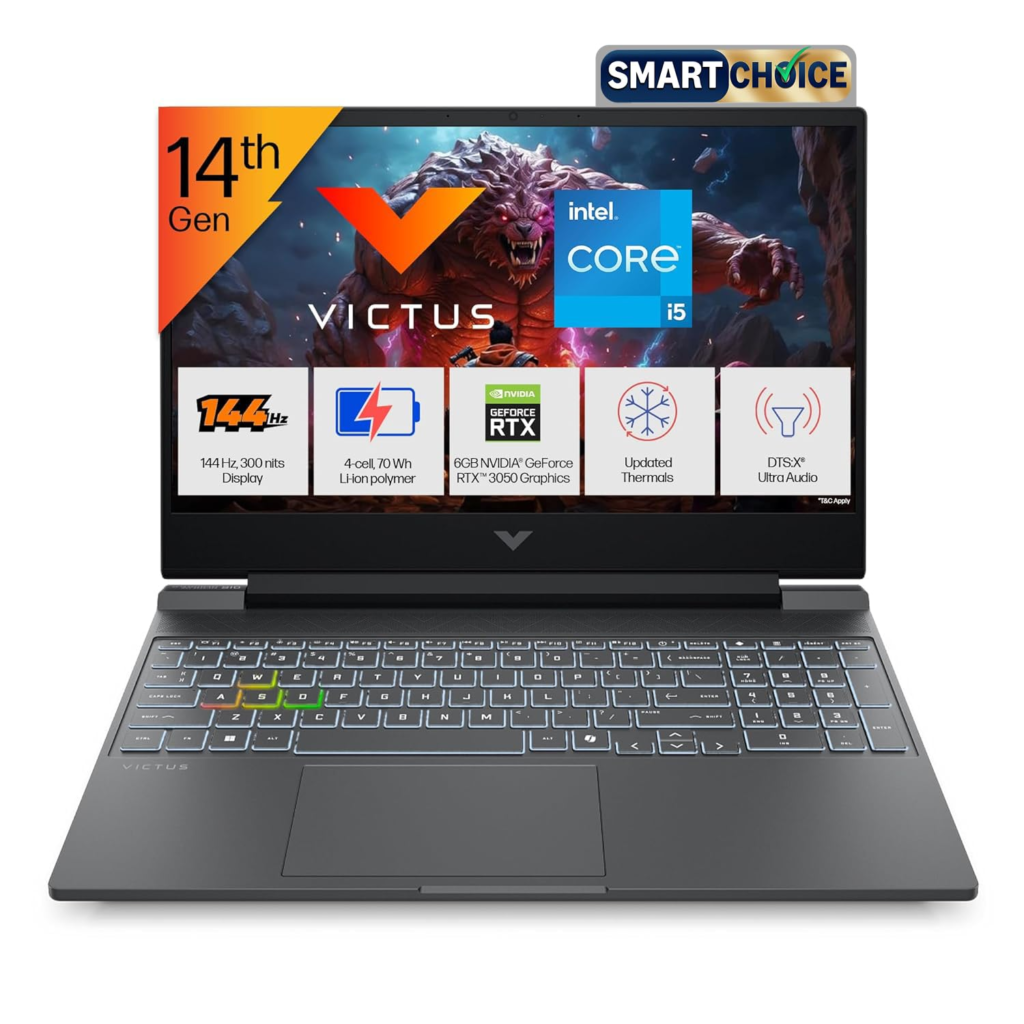
The only laptop on this list with a dedicated GPU.
Specifications
- Intel Core i5 H-Series
- RTX 3050
- 16GB RAM
- 512GB SSD
Recommended for:
- AI beginners
- Unity
- Unreal Engine
- CUDA
- Entry-level gaming
Best MacBook for Coding in 2026
MacBook Pro (M5 Pro)
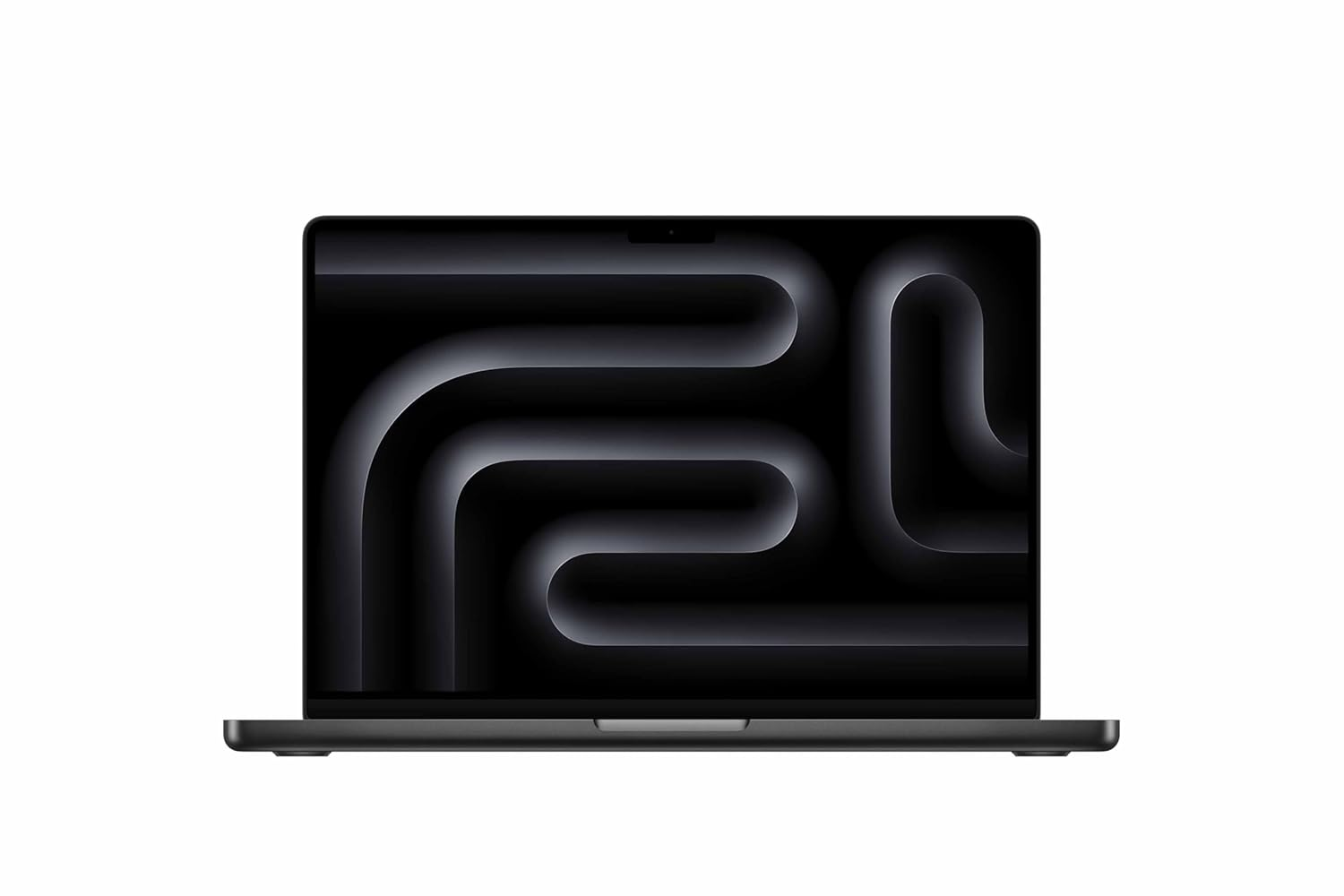
If you’re part of Apple’s ecosystem, this is arguably the best programming laptop available.
Highlights
- Active cooling
- Outstanding battery life
- Silent operation
- Superb keyboard
- Excellent display
- Powerful unified memory
Ideal for
- iOS Development
- macOS Development
- Flutter
- React Native
- Machine Learning
- Xcode
MacBook Air (M5)
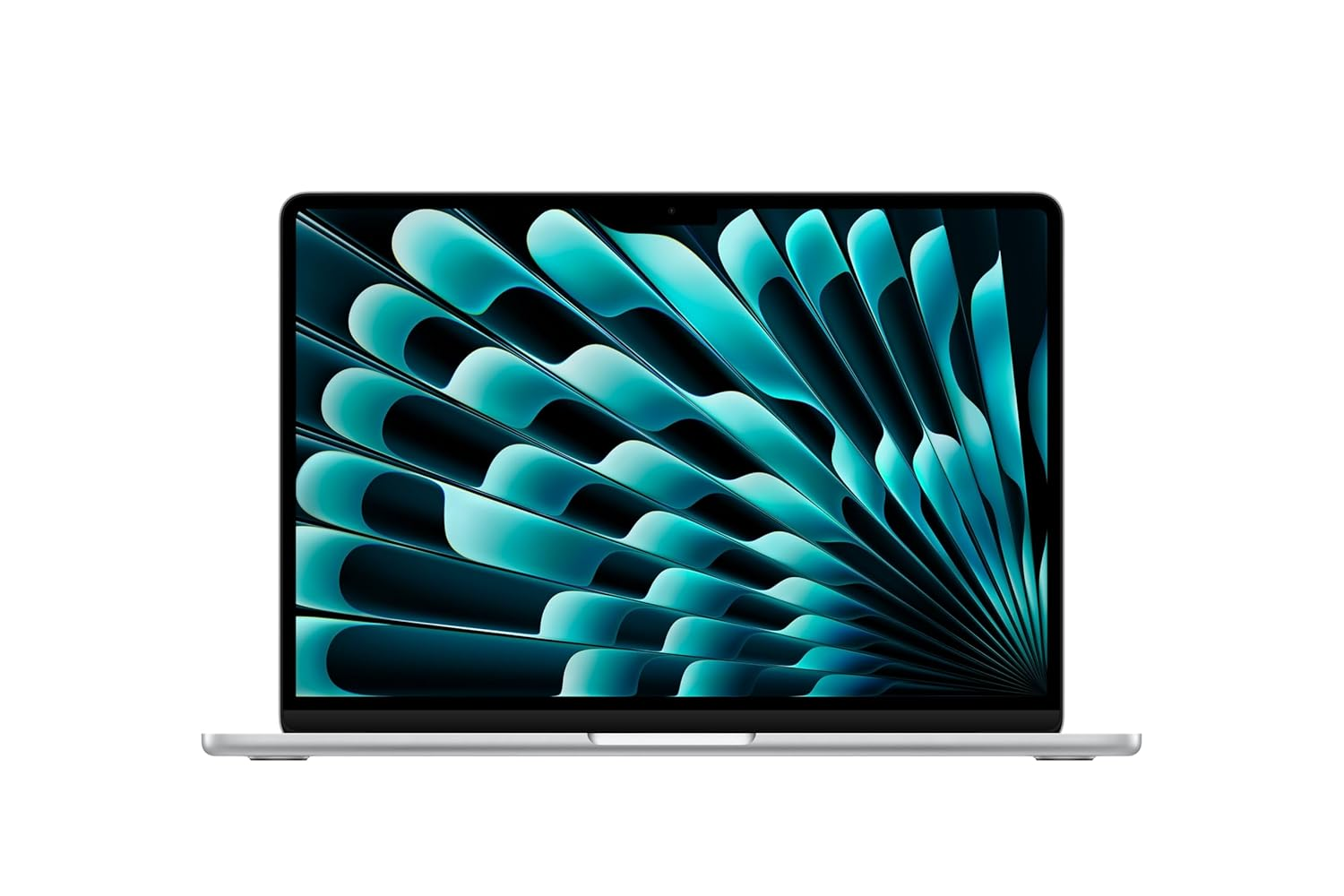
Excellent for:
- Students
- Web Developers
- Python
- JavaScript
- Office work
However, prolonged heavy workloads may cause thermal throttling because it lacks active cooling.
Windows vs Mac for Programming
| 🪟 Windows | 🍎 Mac |
|---|---|
| ✅ Enterprise Friendly – Excellent compatibility with business and enterprise software. | 📱 Best for iOS Development Essential if you’re building apps for iPhone, iPad, or macOS. |
| 💻 More Hardware Choices – Hundreds of laptops across every budget and performance level. | 🔋 Outstanding Battery Life – Apple Silicon MacBooks deliver industry-leading battery backup. |
| 🔧 Easy to Upgrade – Many Windows laptops let you upgrade RAM and SSD later. | 🏗️ Premium Build Quality – Durable aluminium life-time Appleinum chassis with an excellent keyboard and trackpad. |
| 🎮 Superior Gaming Support – Supports the largest library of PC games and dedicated GPUs. | 🐧 Unix-Based System – Ideal for developers working with Linux tools, Docker, and terminal-based workflows. |
Coding Laptop Buying Tips
Don’t compromise on:
- Processor
- RAM
- SSD
You can compromise on:
- Display quality
- Speakers
- Premium materials
- Webcam
Upgrading external monitors, webcams, or speakers later is easy, but upgrading a weak processor usually isn’t possible.
Which Laptop Is Best for Different Programming Fields?
| 🏷️ Use Case | 🏆 Best Choice |
|---|---|
| 🐍 Python | 💻 ASUS Vivobook 16 |
| 🌐 Web Development | 💻 Lenovo IdeaPad Slim |
| 🤖 Android Studio | 💻 HP Victus |
| 📊 Data Science | 💻 Lenovo IdeaPad Slim 5 |
| 🧠 Machine Learning | 💻 HP Victus |
| 🚀 AI Development | 🍎 MacBook Pro M5 Pro |
| 📱 Flutter | 🍎 MacBook Pro |
| ☕ Java | 💻 ASUS Vivobook 16 |
| 🎓 Students | 💻 ASUS Vivobook 15 |
Best Coding Laptop 2026 : FAQs
Is 16GB RAM enough for coding in 2026?
Yes. For most developers, 16GB is the minimum recommended. If you frequently use Docker, Android Studio, virtual machines, or AI tools, 32GB provides a noticeably smoother experience.
Is an i5 enough for programming?
Yes. Modern Intel Core Ultra 5 and H-series Core i5 processors are powerful enough for web development, Python, Java, C++, and most software engineering tasks.
Do programmers need an RTX graphics card?
Not usually. A dedicated GPU is mainly beneficial for AI, machine learning, game development, CUDA programming, and 3D rendering.
Is Mac or Windows better for coding?
Both are excellent. Choose a Mac if you develop for Apple platforms or prefer a Unix-based environment. Windows offers wider hardware choices, easier upgrades, and better compatibility with many enterprise applications.
Best Coding Laptop 2026 : Final Verdict
The best coding laptop in 2026 depends on your workload and future plans—not just your current needs.
If you’re learning to code or doing web development, a laptop with a modern Core Ultra 5 or Ryzen 7 processor, 16GB RAM, and a 512GB SSD will comfortably handle everyday programming tasks. Professionals working with Docker, Android Studio, large databases, or multiple development environments should consider stepping up to a Core Ultra 7, Ryzen 7 HS, or 32GB of RAM for better long-term performance.
For Apple users, the MacBook Pro with the latest M-series Pro chip remains one of the strongest choices for sustained development workloads, while Windows users can find excellent value in laptops like the ASUS Vivobook 16, Lenovo IdeaPad Slim series, and HP Victus, depending on whether GPU acceleration is needed.
Investing in a capable processor, sufficient memory, and fast SSD storage today will ensure your laptop remains productive for the next four to five years without feeling outdated.