
Looking for the best gaming monitor under ₹15000 in India? You no longer need to spend ₹20,000 or more to get a fast display for competitive shooters, open-world games, and everyday PC use. This budget can get you a Full HD IPS monitor with a refresh rate of 180Hz or even 200Hz, depending on the model and its current price.
But buying a gaming monitor isn’t just about choosing the highest refresh rate. Panel quality, adaptive sync, connectivity, ergonomics, warranty, and your graphics card all matter.
We’ve shortlisted five gaming monitors worth considering, from affordable high-refresh-rate displays to models with more comfortable adjustable stands. We’ve also included the practical differences that matter when deciding which one deserves your money.
Quick verdict: The LG UltraGear 24GS60F-B is our leading all-round recommendation based on its specifications. The Acer Nitro VG240Y X1 and MSI MAG 255F E20 are worth comparing if you want a higher refresh rate for less money, while the Lenovo Legion R24e stands out for ergonomics.
Affiliate disclosure: Cosmic Gadgets may earn a commission if you purchase through qualifying affiliate links in this article, at no additional cost to you. Our recommendations are based on manufacturer specifications and available retailer listings; we have not independently laboratory-tested every monitor listed.
Best Gaming Monitors Under ₹15,000 at a Glance
| Gaming monitor | Best for | Display | Maximum refresh rate | Indicative online price |
|---|---|---|---|---|
| LG UltraGear 24GS60F-B | Best all-rounder | 23.8-inch Full HD IPS | 180Hz | ₹9,700–₹12,000 |
| Acer Nitro VG240Y X1 | Budget high-refresh gaming | 23.8-inch Full HD IPS | Up to 200Hz | Around ₹8,700 |
| MSI MAG 255F E20 | Competitive gaming | 24.5-inch Full HD Rapid IPS | 200Hz | Around ₹8,600 |
| Lenovo Legion R24e | Ergonomic gaming setup | 23.8-inch Full HD IPS | 180Hz | Around ₹9,800–₹10,500 |
| AOC 25G42E | Balanced gaming and visuals | 24.5-inch Full HD Fast IPS | 180Hz | Around ₹9,600 |
Prices are indicative online listings observed while preparing this guide. They can change with stock, seller, delivery location, and offers. Confirm the exact model, final checkout price, and warranty before buying.
The LG’s listed specifications are available on its official product page. The Acer, MSI, Lenovo, and AOC specifications can also be checked against their respective manufacturer documentation. LG UK
1. MSI MAG 255F E20 — Best Gaming Monitor Overall
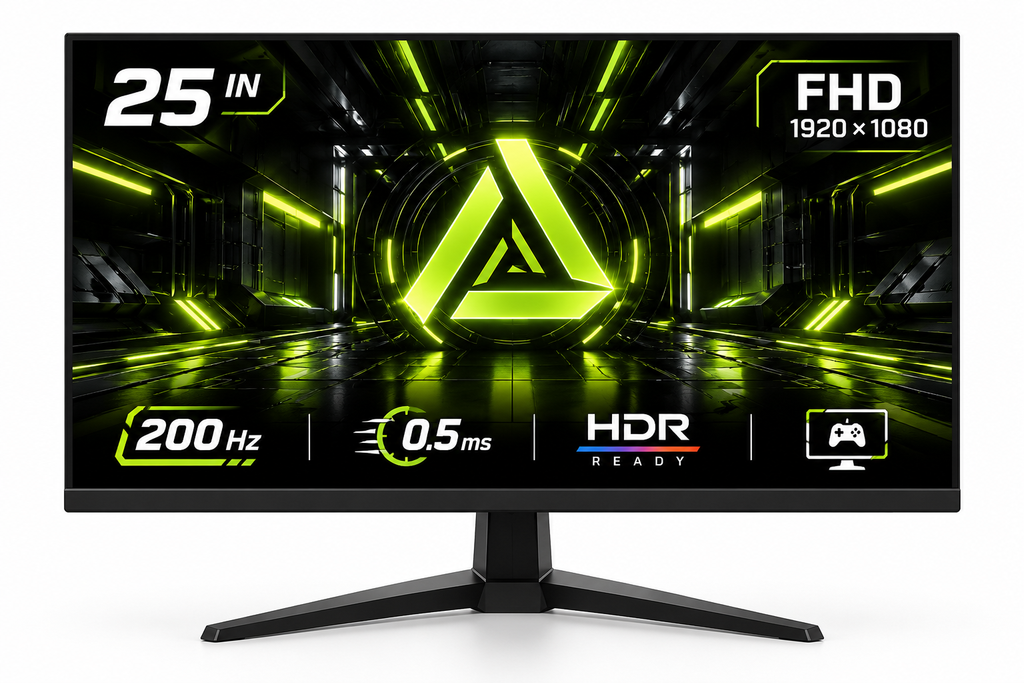
Best for: PC gamers who want a balanced combination of image quality, smooth motion, and gaming features.
The LG UltraGear 24GS60F-B is a strong starting point if you’re upgrading from a standard 60Hz office monitor.
Its 23.8-inch Full HD IPS panel offers a maximum refresh rate of 180Hz. The monitor also supports AMD FreeSync and NVIDIA G-SYNC Compatible operation, helping compatible systems reduce distracting screen tearing and stuttering. LG UK
Key specifications
| Feature | Specification |
|---|---|
| Screen size | 23.8 inches |
| Resolution | 1920 × 1080 |
| Panel | IPS |
| Maximum refresh rate | 180Hz |
| Response time | 1ms GtG in the specified Faster mode |
| Typical brightness | 300 nits |
| Colour gamut | 99% sRGB, manufacturer-rated |
| Adaptive sync | AMD FreeSync, NVIDIA G-SYNC Compatible |
| Connectivity | 1 × HDMI, 1 × DisplayPort |
| Stand adjustment | Tilt |
| Mounting | 100 × 100mm VESA |
Source: LG’s official 24GS60F-B specifications.
Why consider the LG UltraGear?
The 180Hz refresh rate is useful for games in which you want to track fast-moving objects, including competitive shooters and action titles.
The IPS panel is also a sensible choice for someone who games, watches videos, browses the web, and works on the same display. Its 99% sRGB specification makes it suitable for everyday colour-conscious tasks, although it should not be confused with a professionally calibrated creator monitor.
LG also includes gaming-focused features such as a crosshair overlay, FPS counter, Black Stabilizer, and Dynamic Action Sync. The monitor supports HDR10 input, but its specifications alone do not establish that it delivers premium HDR picture quality. LG UK
What should you know before buying?
The stand supports tilt adjustment rather than full height adjustment. If you want to position the screen higher, you may need a monitor riser or compatible VESA arm.
Also, the advertised 1ms response time applies to a specified response-time mode. Don’t assume that the lowest advertised number automatically means the best motion clarity in every setting.
Our verdict: A good all-round choice for someone who wants a familiar gaming-monitor feature set without pushing the budget unnecessarily.
Check the current price: Insert your Amazon India or other retailer affiliate link here.
2. Acer Nitro VG240Y X1 — Best Budget High-Refresh-Rate Option
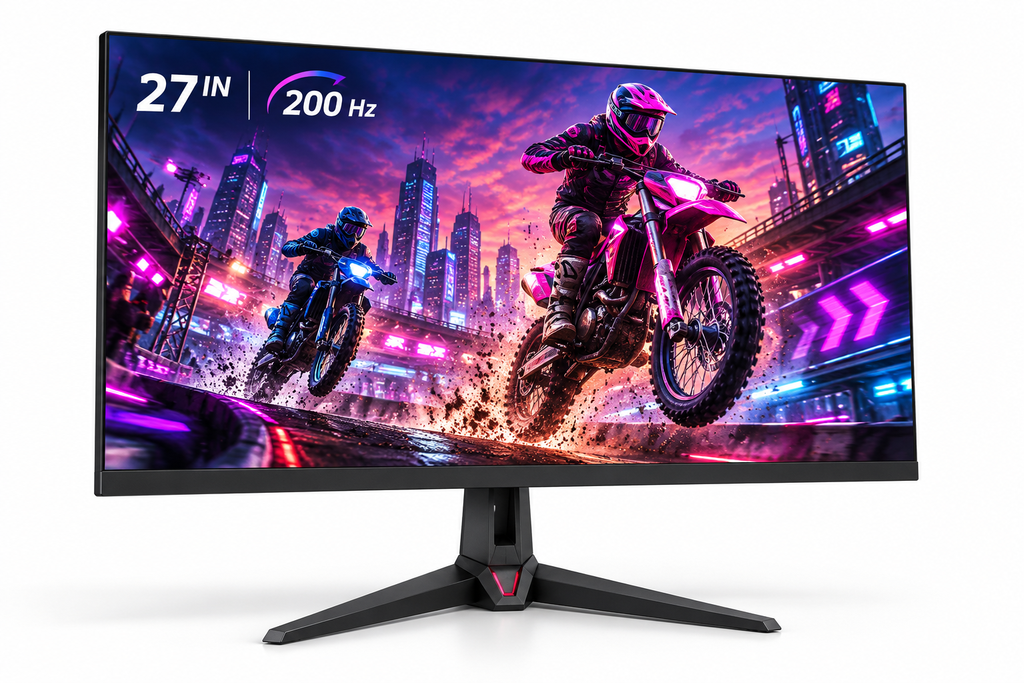
Best for: Gamers who want a fast Full HD IPS display while keeping costs down.
The Acer Nitro VG240Y X1 is worth checking if your priority is high refresh rate at a lower purchase price.
Acer’s published specifications list a 23.8-inch Full HD IPS panel with refresh rates of up to 200Hz, AMD FreeSync Premium, 99% sRGB colour gamut, and a typical brightness rating of 250 nits. The documented connectivity includes two HDMI ports and one DisplayPort. Acer Malaysia
Key specifications
| Feature | Specification |
|---|---|
| Screen size | 23.8 inches |
| Resolution | 1920 × 1080 |
| Panel | IPS |
| Maximum refresh rate | Up to 200Hz |
| Typical brightness | 250 nits |
| Colour gamut | 99% sRGB, manufacturer-rated |
| Adaptive sync | AMD FreeSync Premium |
| Connectivity | 2 × HDMI, 1 × DisplayPort |
| Stand adjustment | Tilt; no height adjustment listed |
| Indicative price | Around ₹8,700 |
Check the precise regional model and product code before ordering, because specifications and availability can vary between versions.
Why consider the Acer Nitro?
A 200Hz display can make sense if you play games that run at high frame rates. It can also be a useful upgrade for someone who wants a responsive gaming display without spending most of their budget on the monitor.
The Full HD resolution is relatively easy for many gaming PCs to drive compared with higher-resolution alternatives. However, achieving 200 frames per second still depends on your GPU, CPU, game settings, and the game itself.
What are the compromises?
The listed brightness is lower than that of some alternatives, and the stand lacks height adjustment. Those aren’t necessarily deal-breakers, but they are worth considering if your room is bright or your desk setup requires more flexibility.
Our verdict: A value-focused option for buyers who prioritise a high refresh rate over premium ergonomics or higher resolution.
Check the current price: Insert your Amazon India or other retailer affiliate link here.
3. MSI MAG 255F E20 — Best for Competitive Gaming
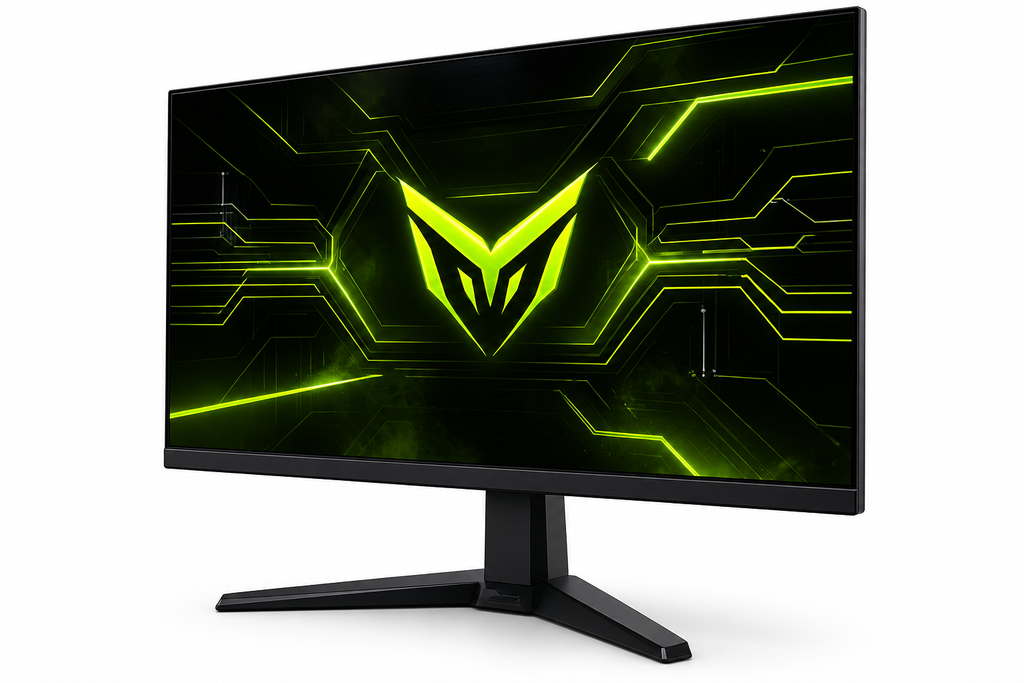
Best for: Players who want a 200Hz display for fast-paced PC games.
The MSI MAG 255F E20 is particularly interesting for competitive gaming because it combines a 24.5-inch Full HD Rapid IPS panel with a maximum refresh rate of 200Hz.
MSI’s specifications list 300-nit typical brightness, AMD FreeSync Premium, two HDMI 2.0b ports, and one DisplayPort 1.2a connection. Both HDMI and DisplayPort are specified for Full HD output at up to 200Hz. MSI
Key specifications
| Feature | Specification |
|---|---|
| Screen size | 24.5 inches |
| Resolution | 1920 × 1080 |
| Panel | Rapid IPS |
| Maximum refresh rate | 200Hz |
| Typical brightness | 300 nits |
| Response time | Manufacturer specifies 0.5ms GtG minimum |
| Adaptive sync | AMD FreeSync Premium |
| Connectivity | 2 × HDMI 2.0b, 1 × DisplayPort 1.2a |
| Stand adjustment | Tilt |
| Indicative price | Around ₹8,600 |
Source: MSI’s official MAG 255F E20 specifications.
Why consider the MSI?
The 24.5-inch screen gives you slightly more display area than a typical 23.8-inch monitor without moving into a substantially larger desk footprint.
The 200Hz maximum refresh rate is useful for high-frame-rate gaming, provided your PC can produce enough frames. Multiple video inputs also make it convenient to connect more than one compatible device.
Is 200Hz worth choosing over 180Hz?
It depends.
The jump from 60Hz to 144Hz is generally much more noticeable than the jump from 180Hz to 200Hz. At this level, other factors—including response behaviour, input lag, panel consistency, and your actual frame rate—can matter more than the number printed on the box.
Don’t pay a large premium solely for the additional 20Hz.
Our verdict: A strong specification-led candidate for competitive PC gaming, particularly if its current price remains close to the Acer’s.
Check the current price: Insert your Amazon India or other retailer affiliate link here.
4. Lenovo Legion R24e — Best for an Ergonomic Gaming Setup
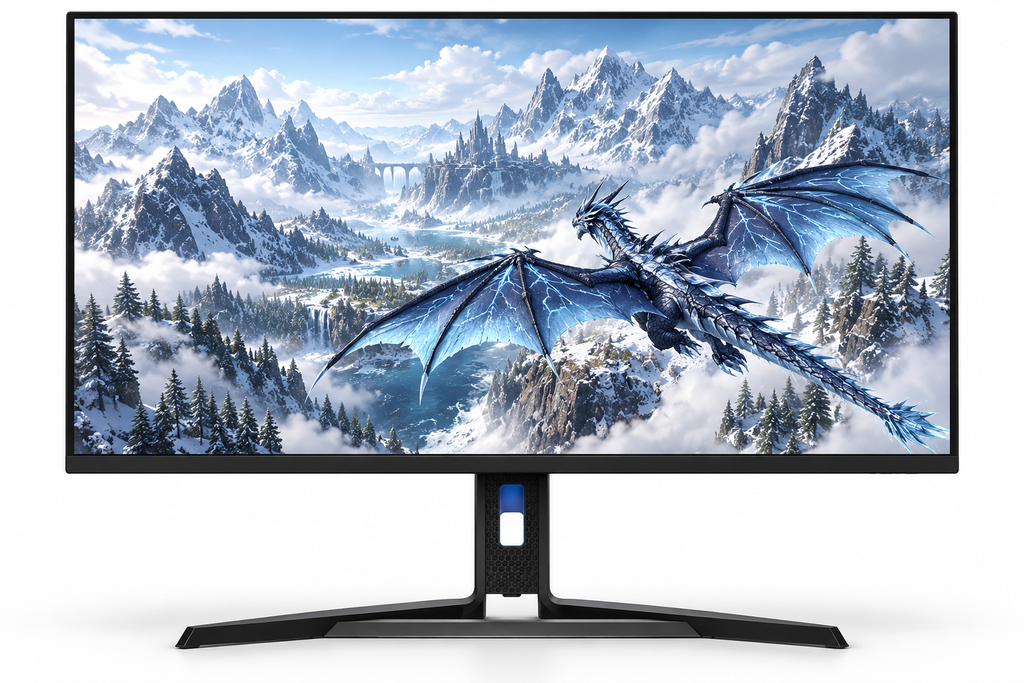
Best for: People who spend several hours gaming or working at the same desk.
The Lenovo Legion R24e offers a useful combination of gaming specifications and stand flexibility.
Lenovo’s published specification sheet lists a 23.8-inch IPS panel, Full HD resolution, a 48–180Hz refresh-rate range, 300-nit typical brightness, 99% sRGB colour coverage, and AMD FreeSync support. Its ergonomic stand supports height adjustment, swivel, pivot, and tilt. Lenovo PSREF
Key specifications
| Feature | Specification |
|---|---|
| Screen size | 23.8 inches |
| Resolution | 1920 × 1080 |
| Panel | IPS |
| Maximum refresh rate | 180Hz |
| Typical brightness | 300 nits |
| Colour coverage | 99% sRGB, manufacturer-rated |
| Adaptive sync | AMD FreeSync |
| Connectivity | HDMI and DisplayPort |
| Stand adjustment | Height, tilt, swivel, and pivot |
| Indicative price | Around ₹9,800–₹10,500 |
Source: Lenovo’s Legion R24e specification sheet.
Why the stand matters
Ergonomics are easy to overlook when comparing monitors online.
A height-adjustable stand lets you position the top of the screen around eye level. Swivel and pivot adjustments provide additional flexibility, particularly if you also use the monitor for reading, coding, or productivity work.
That flexibility can be more useful in daily life than a small increase in refresh rate.
What should you check?
Verify the exact regional model and warranty. Retailer listings sometimes mix product codes or regional variants, so make sure the model number on the listing matches the monitor you intend to buy.
Our verdict: A sensible option if you want a fast gaming monitor that is also easier to position comfortably at your desk.
Check the current price: Insert your Amazon India, Flipkart, or authorised retailer affiliate link here.
5. AOC 25G42E — A Balanced Alternative
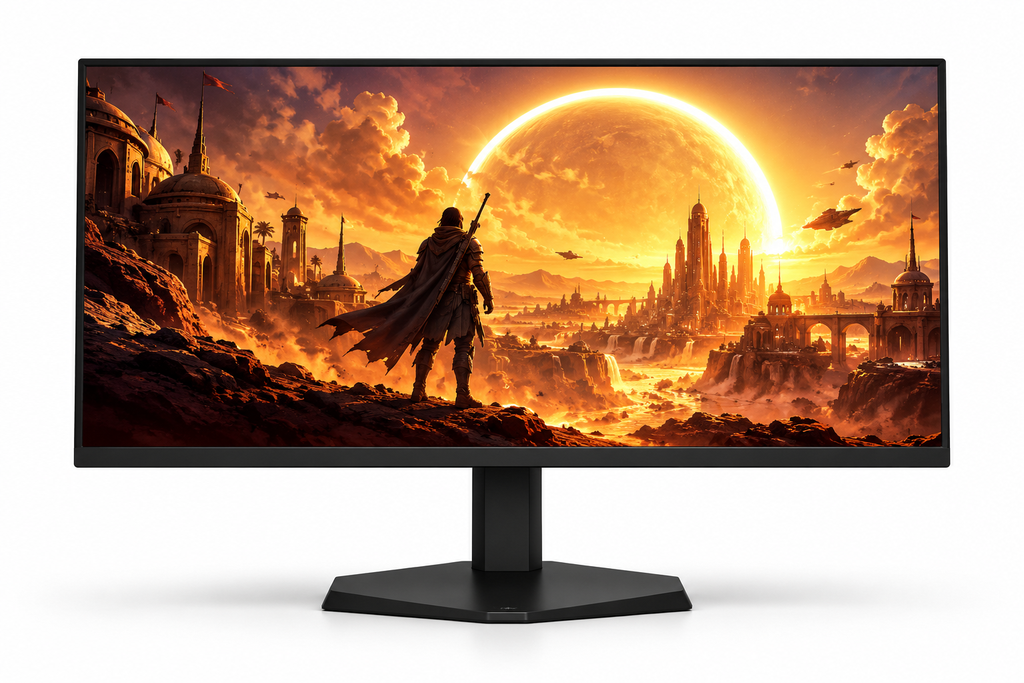
Best for: Gamers who want a 24.5-inch Fast IPS display with a high refresh rate.
The AOC 25G42E is another model worth comparing before making a purchase.
AOC’s specifications list a 24.5-inch Full HD Fast IPS panel, 180Hz refresh rate, 1ms GtG response time, 300-nit brightness, Adaptive Sync, and HDR10 support. AOC Monitors
Key specifications
| Feature | Specification |
|---|---|
| Screen size | 24.5 inches |
| Resolution | 1920 × 1080 |
| Panel | Fast IPS |
| Maximum refresh rate | 180Hz |
| Typical brightness | 300 nits |
| Response time | 1ms GtG, manufacturer-rated |
| Adaptive sync | Adaptive Sync |
| HDR | HDR10 signal support |
| Indicative price | Around ₹9,600; verify availability |
Source: AOC’s official 25G42E specifications.
Why consider the AOC?
It has the core features many budget gamers need: Full HD resolution, IPS technology, a high refresh rate, and adaptive sync.
It is worth comparing against the LG and Lenovo models if the price is competitive and the exact local listing offers a suitable warranty.
One important limitation
HDR10 support does not guarantee an impressive HDR experience. Brightness, contrast, colour reproduction, and local-dimming capabilities all influence how HDR content actually looks.
Likewise, don’t assume that two monitors with the same refresh rate will have identical motion clarity.
Our verdict: Keep it on your shortlist if you find a good price from a retailer with a clear return policy and reliable after-sales support.
Check the current price: Insert your Amazon India or other retailer affiliate link here.
How to Choose the Best Gaming Monitor Under ₹15,000
Buying a monitor based on specifications alone is an easy way to spend money on features you won’t use. Here’s what deserves your attention.
1. Choose the right refresh rate
A monitor’s refresh rate describes how often it can refresh the displayed image each second.
| Refresh rate | Time per refresh | Best suited for |
|---|---|---|
| 60Hz | 16.67ms | Office work and casual use |
| 144Hz | 6.94ms | Mainstream PC gaming |
| 180Hz | 5.56ms | Competitive and general gaming |
| 200Hz | 5ms | High-frame-rate gaming |
Higher refresh rates can improve motion smoothness and responsiveness, but the benefit depends on the game, hardware, and monitor’s response behaviour.
If your PC consistently produces only 70 FPS in a demanding game, a 200Hz monitor won’t magically turn that into 200 FPS.
Buying tip: For most budget gamers, a good 144–180Hz monitor is a more sensible purchase than sacrificing panel quality or warranty to get the highest possible refresh rate.
2. IPS or VA: Which panel is better?
Both technologies have strengths.
IPS panels
- Generally provide consistent colours across wide viewing angles.
- Are a good choice for mixed gaming, work, and media use.
- Are widely available in budget high-refresh-rate monitors.
VA panels
- Generally provide higher native contrast than typical IPS panels.
- Can be attractive for dark games and movie watching.
- May exhibit noticeable dark-scene smearing on some models.
For a general-purpose gaming monitor, IPS is a sensible starting point. However, don’t judge a panel solely by its technology label: implementation and response behaviour matter too.
3. Is a 24-inch or 27-inch monitor better?
For Full HD gaming, a screen around 24 inches is often the practical choice.
A 23.8-inch Full HD display has approximately 93 pixels per inch, while a 27-inch Full HD display has approximately 82 pixels per inch. That means the smaller screen generally produces sharper-looking text and finer details at the same resolution. Display Ninja
Choose a 27-inch monitor if you prefer a larger image and sit farther away. If you value sharper text and a compact desk setup, 24-inch Full HD is a good fit.
If you want a noticeably larger screen without losing sharpness, consider a 27-inch QHD monitor—but compare its price and the GPU performance required to run games at that resolution.
4. Don’t be fooled by the 1ms response-time claim
Manufacturers often advertise response times such as 0.5ms or 1ms. These figures depend on the measurement method and, in some cases, the monitor’s selected response-time mode.
The lowest advertised value doesn’t automatically mean the display has the clearest motion. Aggressive response-time settings can introduce distracting visual artefacts on some monitors.
Look for credible independent testing when available, and avoid treating the response-time number as the only deciding factor.
5. Check adaptive sync
Adaptive sync helps coordinate the monitor’s refresh rate with the graphics card’s frame output within the supported operating range. This can reduce screen tearing and stuttering when frame rates fluctuate. AMD
Before purchasing, check whether the monitor’s adaptive-sync implementation works with your particular GPU and connection.
6. Check the ports before ordering
For a gaming PC, DisplayPort is often a straightforward choice for accessing a monitor’s higher refresh rates. HDMI can also support high refresh rates, depending on the monitor’s specifications and implementation.
Always confirm the maximum supported resolution and refresh rate for the specific input you intend to use. You may also need the correct cable.
If you plan to connect both a gaming PC and a console, having multiple compatible inputs can make switching between devices easier.
7. What if you want to use a PS5?
A high-refresh-rate PC monitor can also be useful for console gaming, but don’t assume that a 180Hz or 200Hz monitor makes a console output at that rate.
The PS5 supports 120Hz output for compatible games and displays. Sony explains how to enable the feature under Settings → Screen and Video → Video Output → 120 Hz Output. Actual performance depends on the game and connected display. PlayStation
Before buying, confirm that the monitor supports the resolution and refresh rate you want over its HDMI input. For console gaming, compatibility is more important than the monitor’s maximum PC refresh rate.
8. Don’t ignore warranty and return policies
A monitor is a product you may use for years, so the seller matters.
Before checking out, confirm:
- The exact model number and regional variant.
- Manufacturer warranty duration and coverage.
- The retailer’s dead-pixel and return policies.
- Whether the seller is reputable.
- Whether the advertised price includes delivery and applicable charges.
A slightly cheaper monitor isn’t necessarily the better deal if its seller or warranty arrangements are unclear.
Which Gaming Monitor Should You Buy?
Here’s the short version based on your priorities.
| Your priority | Monitor to consider |
|---|---|
| Best all-round specification balance | LG UltraGear 24GS60F-B |
| Lower-cost high refresh rate | Acer Nitro VG240Y X1 |
| 200Hz competitive PC gaming | MSI MAG 255F E20 |
| Better stand ergonomics | Lenovo Legion R24e |
| Alternative 180Hz Fast IPS display | AOC 25G42E |
These are specification-based recommendations, not the results of controlled head-to-head testing. Before purchasing, compare current prices, verify availability, and check the exact model number.
Frequently Asked Questions
Which is the best gaming monitor under ₹15,000 in India?
The LG UltraGear 24GS60F-B is our leading all-round recommendation based on its 180Hz IPS panel, adaptive-sync support, and broad set of gaming features. The Acer Nitro VG240Y X1 and MSI MAG 255F E20 are worth considering if you prioritise a higher refresh rate at a lower price.
Is a 180Hz monitor better than a 144Hz monitor?
A 180Hz monitor can refresh more frequently than a 144Hz monitor, but the improvement is relatively modest compared with moving from 60Hz to 144Hz. If both monitors are similarly priced, compare their image quality, response behaviour, warranty, and ergonomics before choosing.
Is 200Hz worth it for gaming?
It can be useful for competitive games when your PC produces high frame rates. For demanding single-player games that run at lower frame rates, the practical advantage over a good 144Hz or 180Hz monitor may be limited.
Can I get a good IPS gaming monitor under ₹10,000?
Yes. Models such as the Acer Nitro VG240Y X1 and MSI MAG 255F E20 have appeared in listings around this budget. Prices and availability vary, so verify the current listing before ordering.
Is Full HD enough for PC gaming in 2026?
For a budget gaming PC, Full HD remains a sensible option. It requires less rendering performance than QHD or 4K at comparable settings and can make it easier to achieve high frame rates. If you prioritise sharper visuals and have a sufficiently powerful GPU, a QHD monitor may be worth the additional cost.
Can I use a 180Hz monitor with a PS5?
Yes, provided the monitor supports the console’s output modes over the connected input. However, the PS5’s supported output and the game’s frame rate determine the experience; the console does not automatically run games at 180Hz.
Should I choose a curved monitor or a flat IPS monitor?
For a compact budget setup, a flat 24-inch IPS monitor is a straightforward choice. A curved monitor may appeal if you prefer a more immersive viewing experience, but compare resolution, panel quality, refresh rate, and viewing distance before choosing based on curvature alone.
Does HDR10 support guarantee good HDR gaming?
No. HDR10 indicates support for an HDR signal, not necessarily a dramatic improvement in picture quality. Brightness, contrast, colour performance, and local dimming all influence the result.
Final Verdict: Which Gaming Monitor Is Worth Your Money?
You don’t need to spend the entire ₹15,000 budget to get a capable gaming monitor.
For most PC gamers, the LG UltraGear 24GS60F-B is a good starting point because it combines a 180Hz IPS panel with adaptive-sync support and useful gaming features. If you want to spend less, compare the Acer Nitro VG240Y X1 and MSI MAG 255F E20. If an adjustable stand matters to you, the Lenovo Legion R24e deserves a closer look.
Our advice: Compare the actual checkout prices of the LG, Acer, and MSI first. If the prices are close, choose the monitor with the best overall combination of panel performance, connectivity, warranty, and ergonomics—not simply the highest refresh-rate number.
Check the current price before ordering, and make sure the exact model and warranty match the listing.